
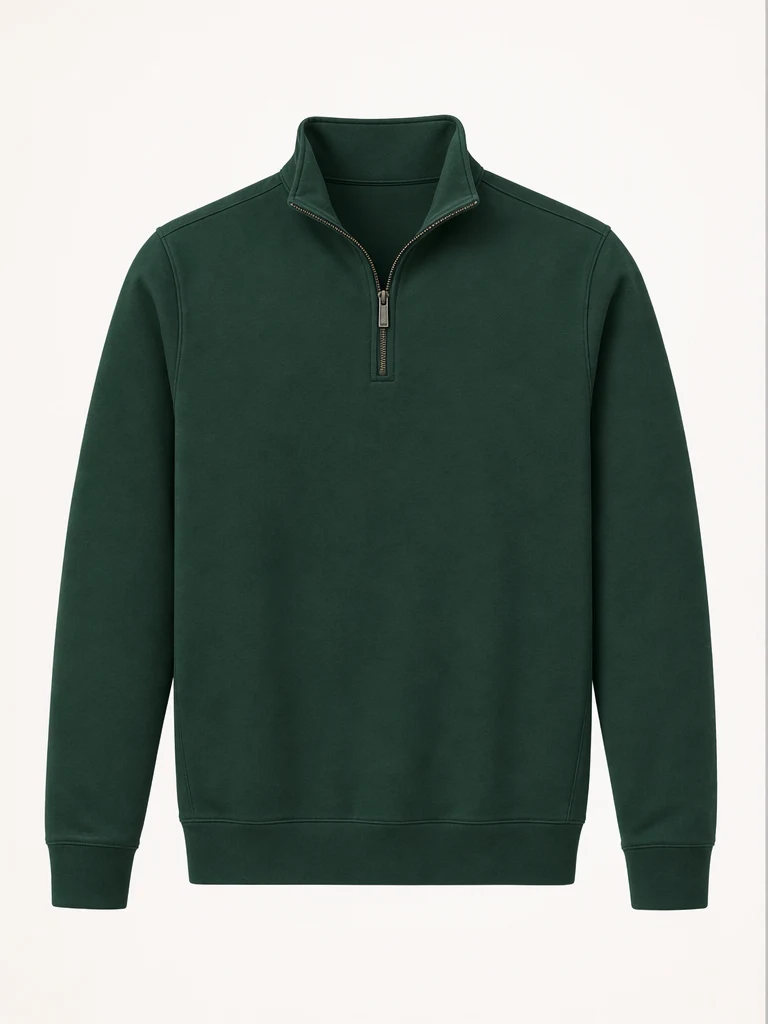

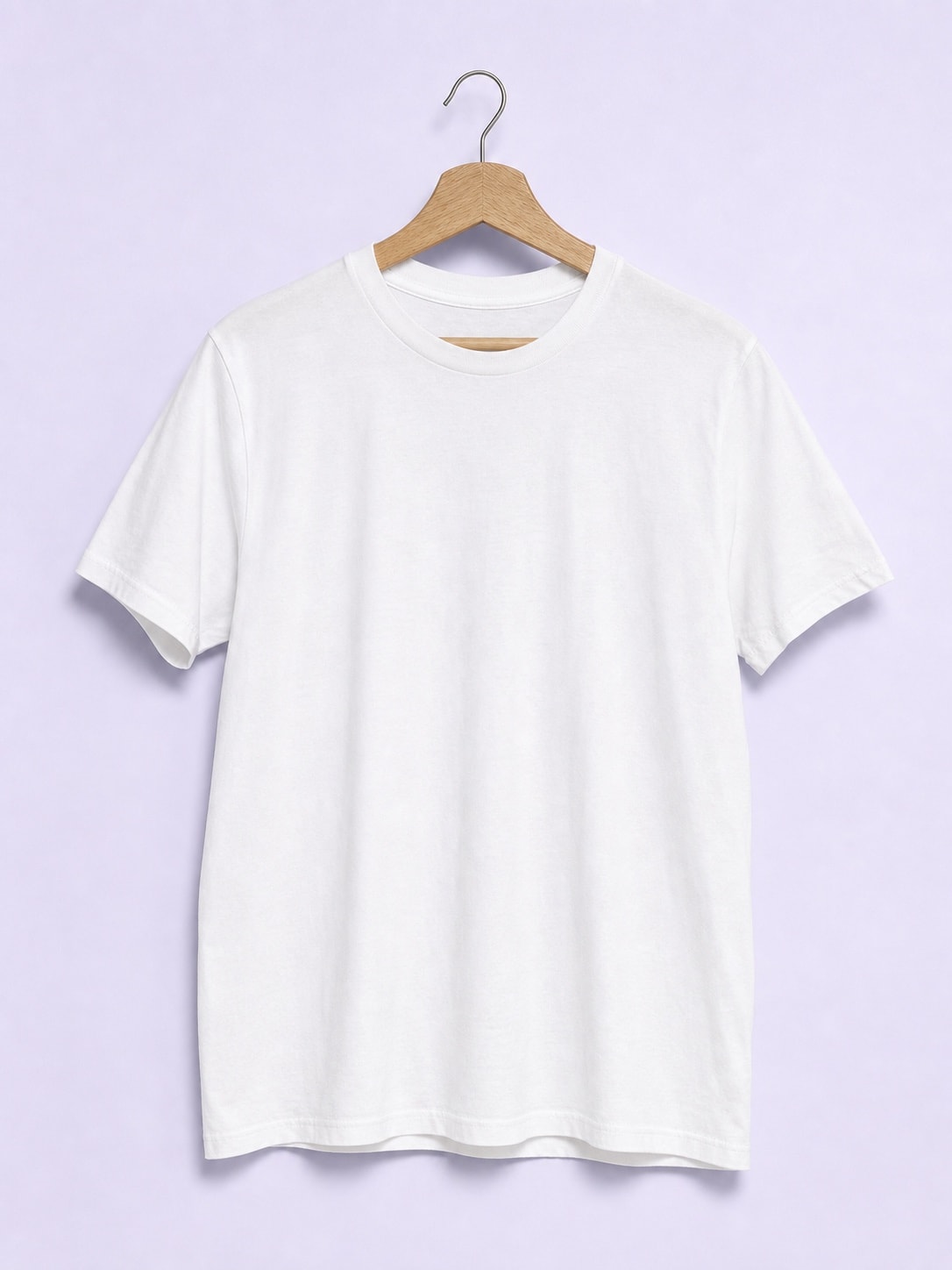
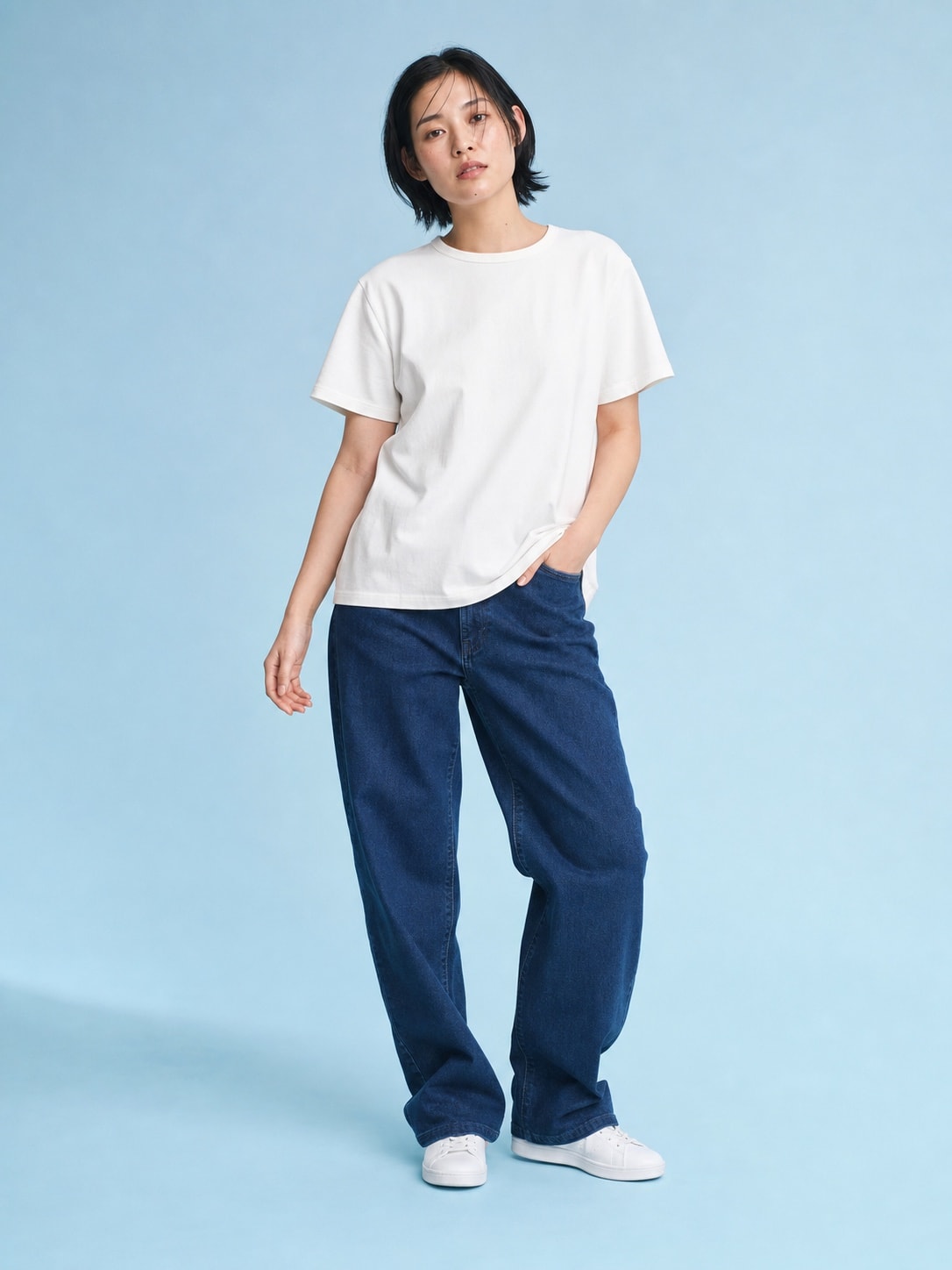
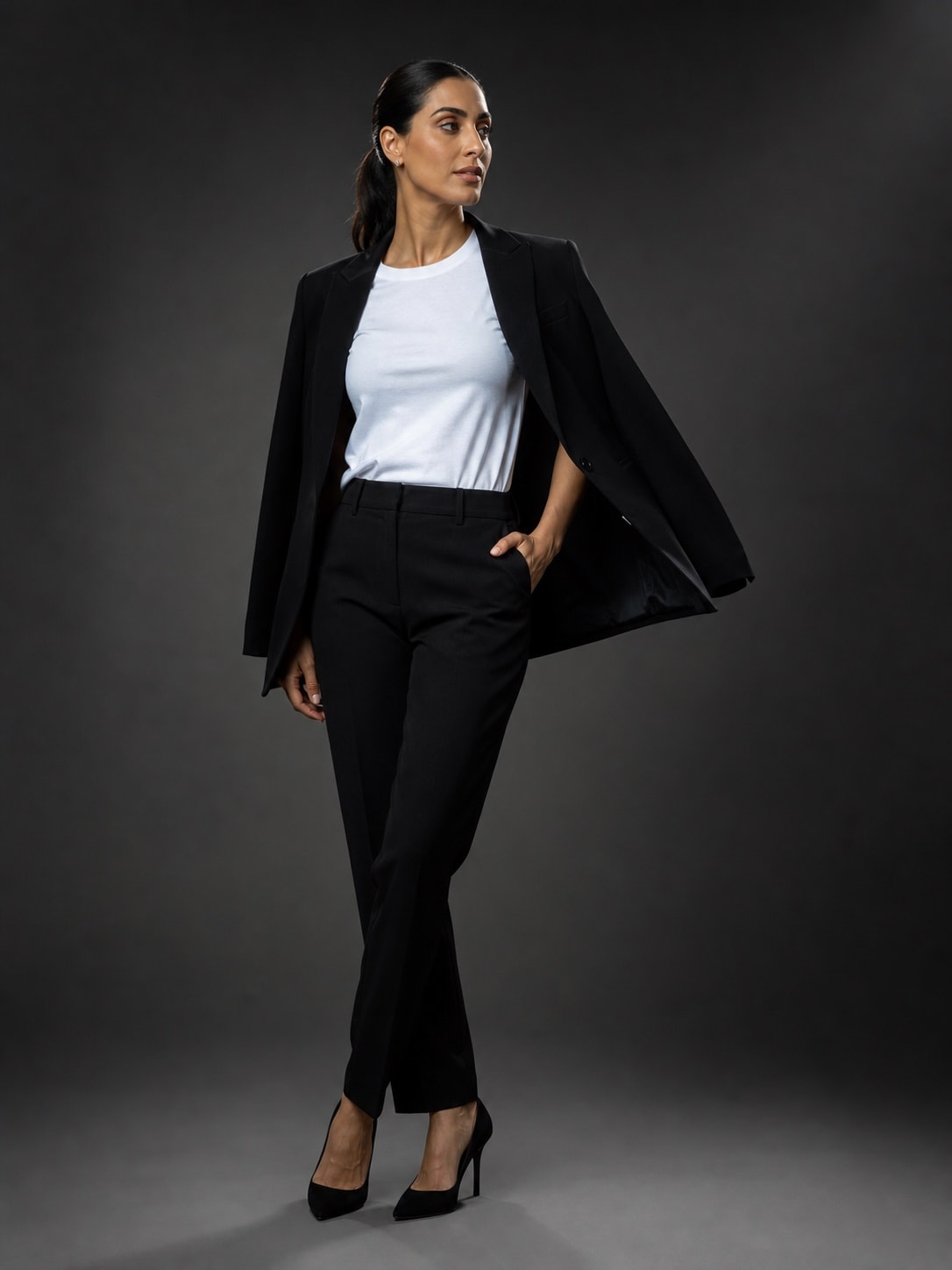
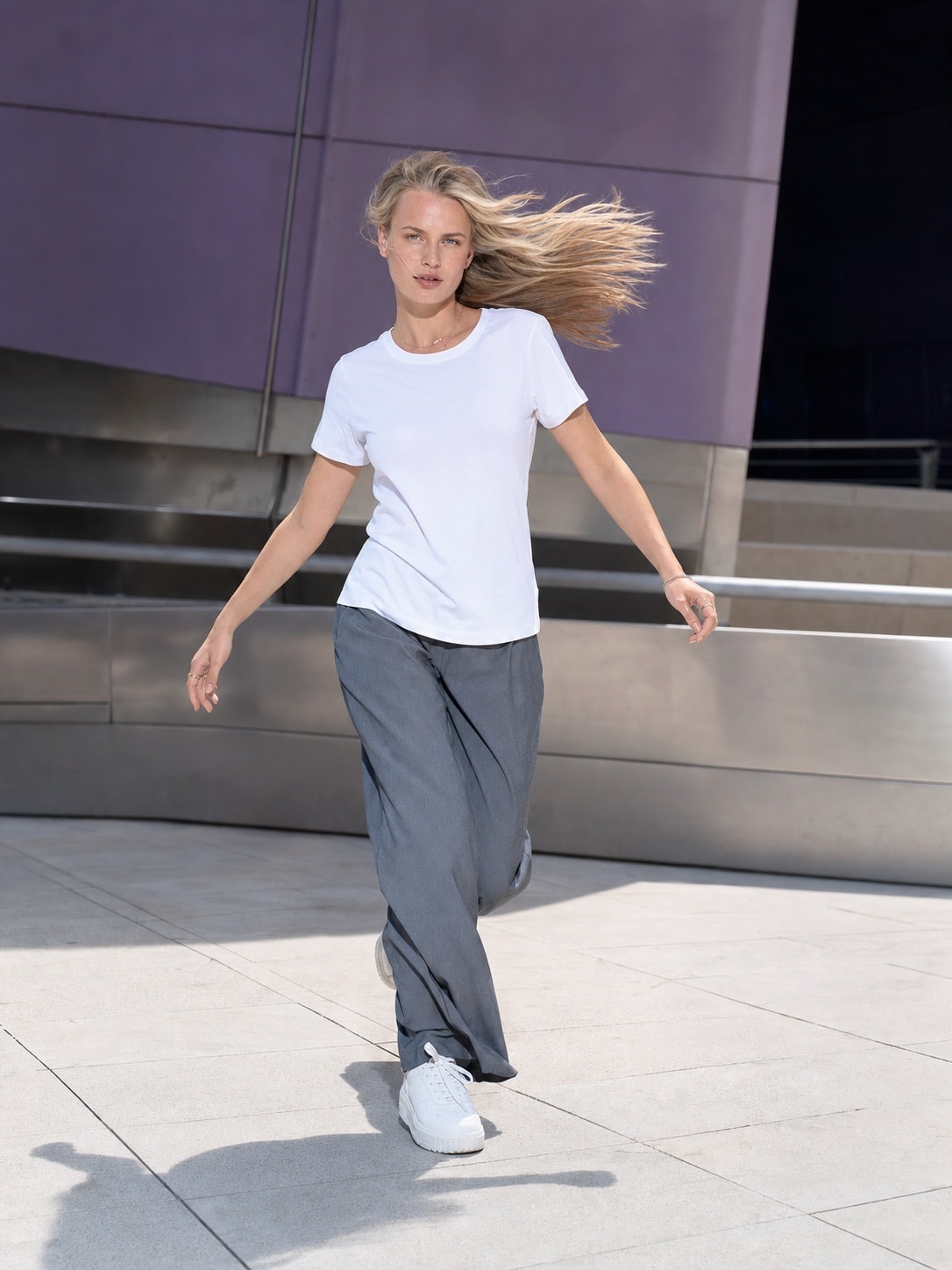
On-model apparel
Show the same product on a person without coordinating a shoot.
Built inside Shopify
Pixo creates studio and lifestyle options with Auto Mode or ready-made scenes. Review every image, then publish only the ones you approve—without leaving Shopify.








The Shopify-native workflow
Pixo starts where your catalog already lives. No exports, disconnected folders, or automatic storefront changes.
Choose a product, a collection, or let Pixo surface listings with thin galleries.
Use Auto Mode for the fastest path, or start with a ready-made scene and adjust the direction when needed.
Compare the results, choose the order, and publish only approved images back to Shopify.
 PixoInside Shopify
Auto Mode reads the existing photo and builds studio and lifestyle options—no prompt required.
Generate a free set →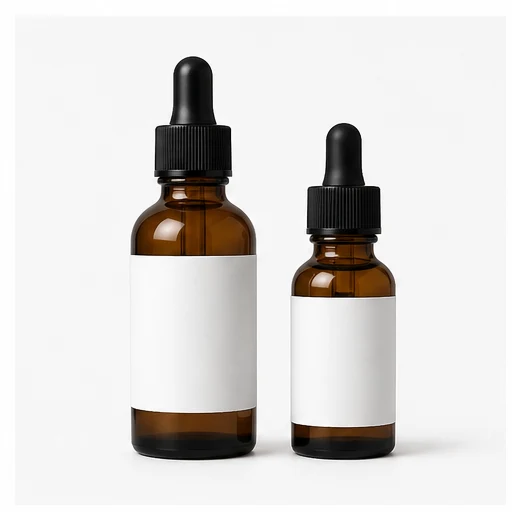
Choose one product or generate for the whole list.
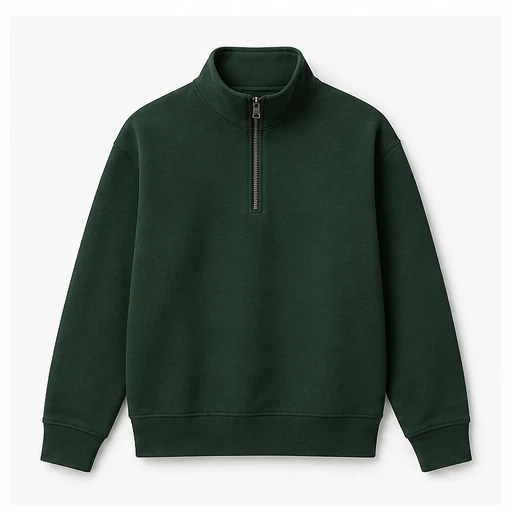
Pick a look, then choose your products.

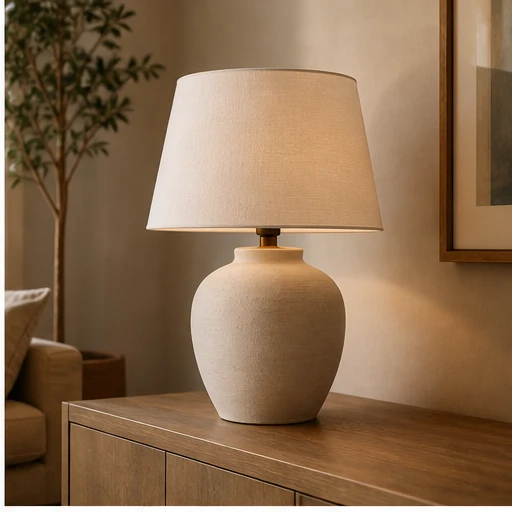

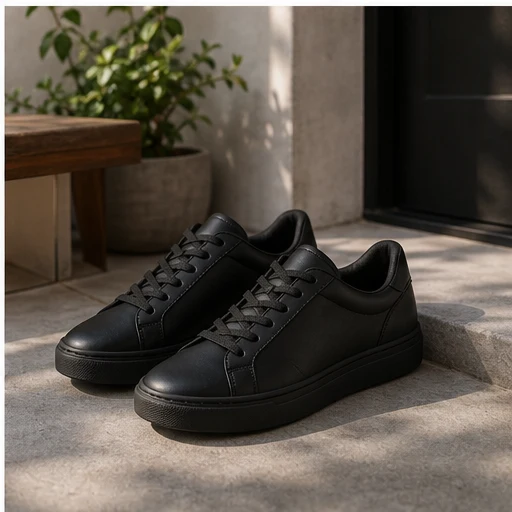
Original → Pixo result
Every run starts from an existing product image. Generated options stay in review until you choose what belongs in the gallery.
Swipe to compare examples →
Show the same product on a person without coordinating a shoot.
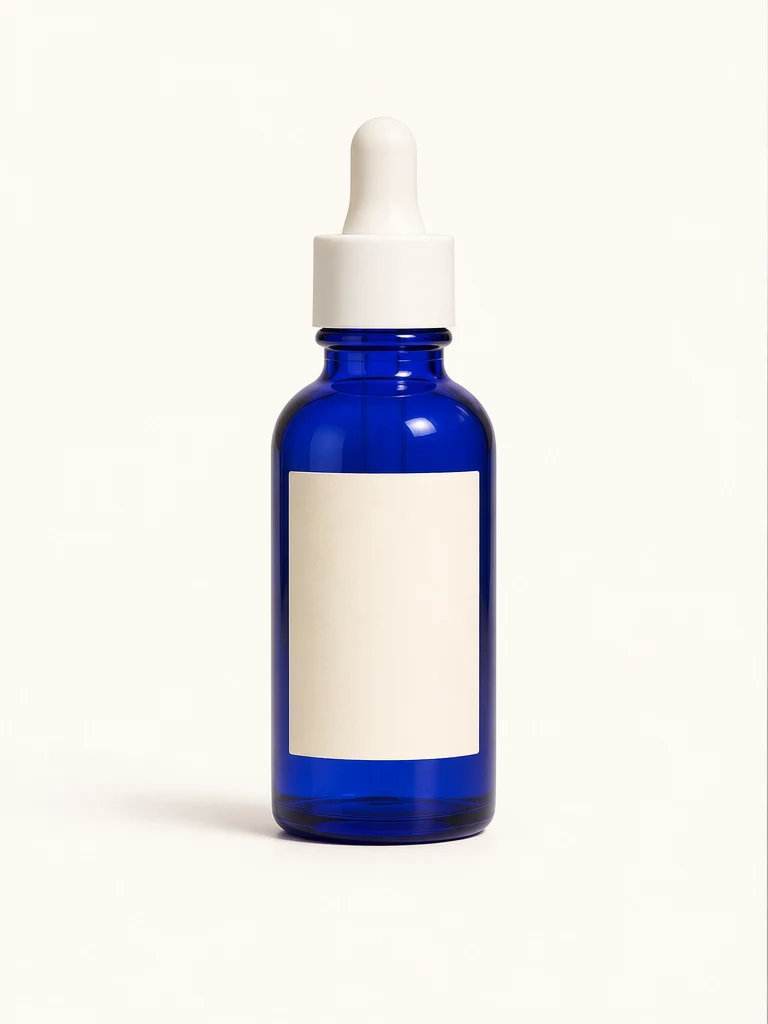

Move a catalog packshot into polished campaign context.


Place a standalone product in a room shoppers can picture.
Start small: use the five included credits on one product, compare the results, and publish only if they fit.
Try it on one productSimple first. Flexible when needed.
Pixo gives merchants a quick default without removing the controls creative teams need for repeatable brand direction.
Swipe through the workflow options →
Choose generated images, keep existing images, and arrange the gallery before sending an update to Shopify.
Clear credit pricing
Install Pixo and test a real product first. A paid plan starts only after you choose one inside Shopify.
Swipe to compare monthly plans →
What one credit buys
Pixo shows the estimated job cost before generation begins.
Drafts and exploration
Everyday catalog work
Final campaign assets
Subscription credits expire three months after the billing cycle in which they are issued. All prices are USD and billed through Shopify.
Before you install
Still unsure about a workflow? Email support@usepixo.com.
No. Generated images stay in the review gallery. You choose which images to keep, how to order them, and when to send an update to Shopify.
No. Auto Mode creates a photo set without requiring a prompt. You can also start from a ready-made scene. Flow Builder remains available when you want prompts, references, or a multi-step workflow.
Yes. Pixo supports individual products and collections. Collection jobs are expanded into their products, and Pixo confirms the exact credit cost before the job starts.
Pixo starts from the product image you select and can use scene or art-direction references. AI results can vary, so every output must be reviewed before publishing. Pixo does not claim automatic perfect accuracy.
They remain part of the review gallery. You decide whether to keep existing images, add generated images, remove an image, or change the final order before publishing.
A new shop receives five starter credits once. Fast images cost one credit, Enhanced images cost two, and Premium images cost four. You can use the starter credits without activating a monthly plan.
Try Pixo on a real product
Install Pixo, use the five starter credits, and review the results before anything changes in Shopify.
No subscription required to try · Nothing publishes without approval